
Farzaa - Multipurpose E-commerce Next JS Template
Created : 13 August 2023
Last Update : 13 August 2023
By : Code Basket
Email : codebasketinfo@gmail.com
Thank you for purchasing our Template. If you have any question, please feel free to contact
us.
Main File Structure
All the file are well organized, its so easy to work with the template.
1. Unzip the mainFile.
You will find 7 folder and 5 other files.
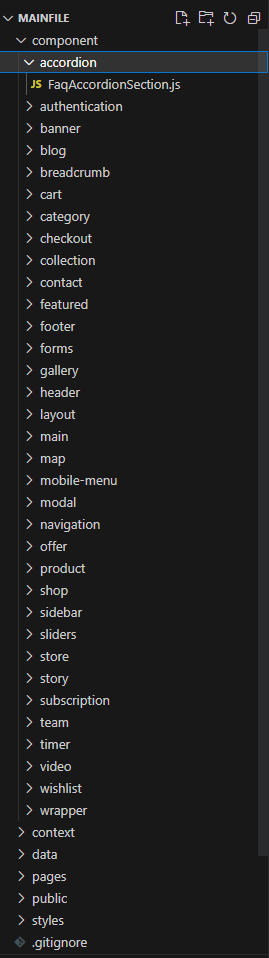
In the component folder there are the components of the template that are used all around and
from here the components can be modifed according to your need.
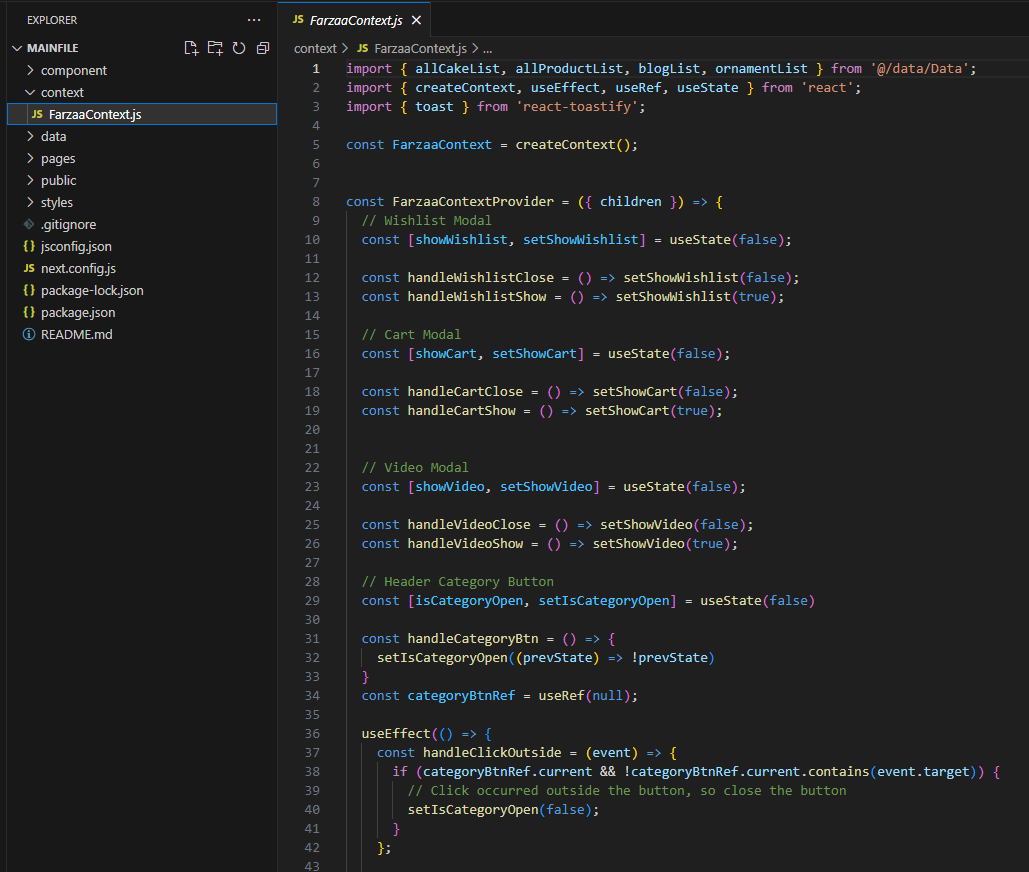
In the context folder there is the FarzaContext.js file which contains all the logic for the
template.
In the data folder there is Data.js file in which there is all mock data used in the template.
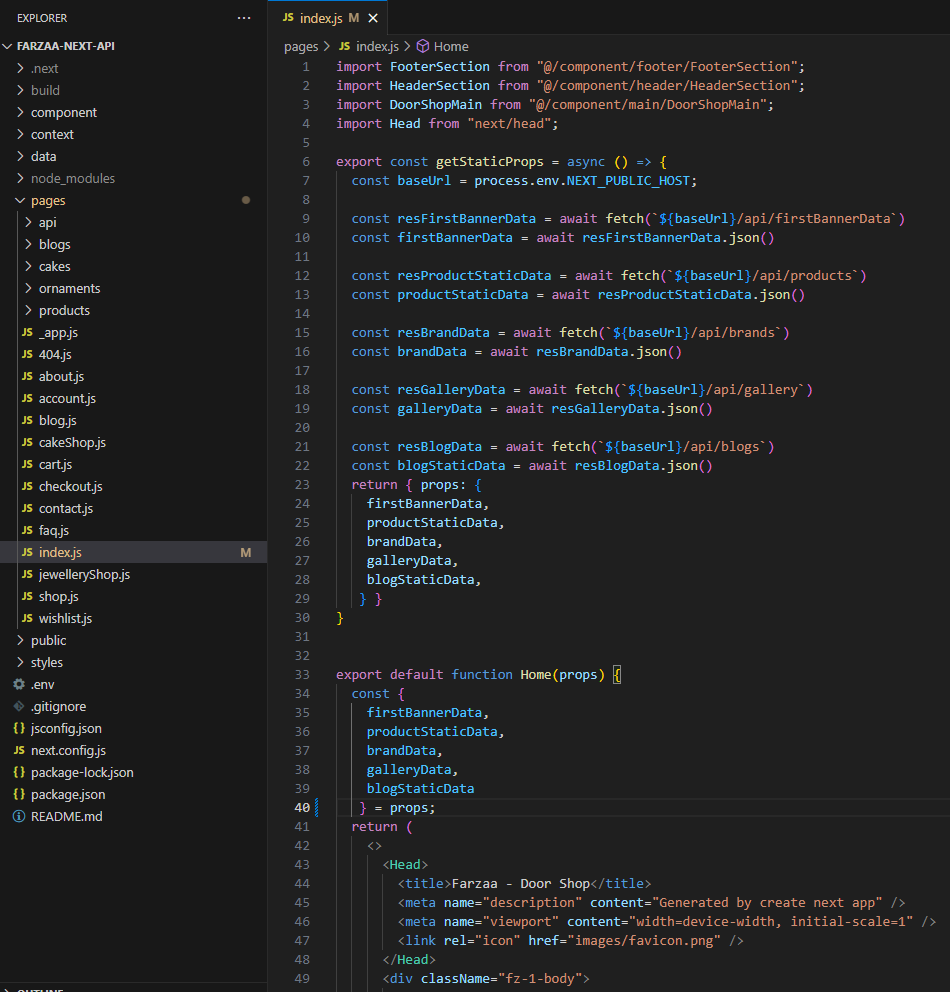
In the pages folder there are all the pages for the template any js file created in this folder
will become a page. In this folder there is api folder there are some API from which we fetched
data.
In the public folder there are assets like font and images.
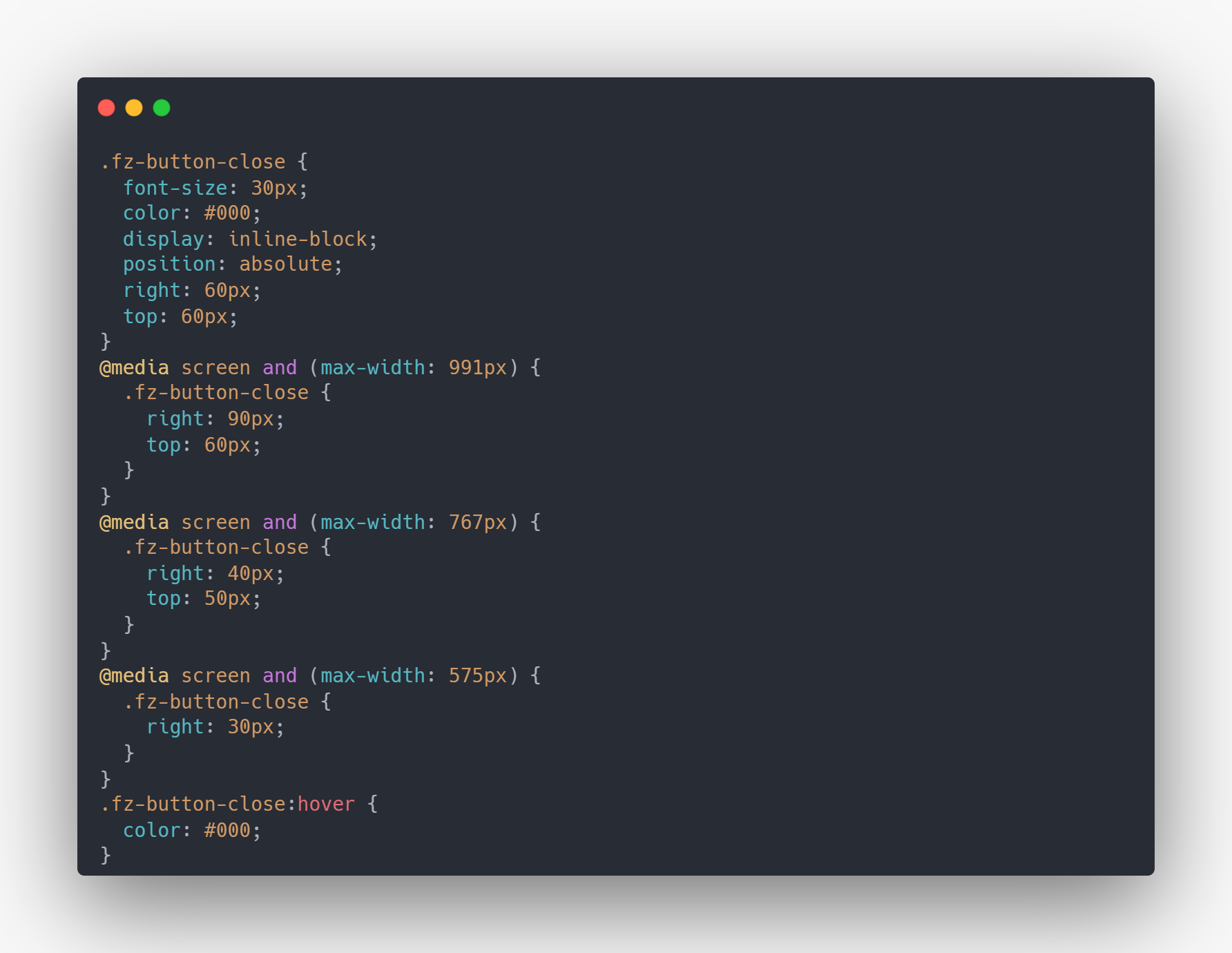
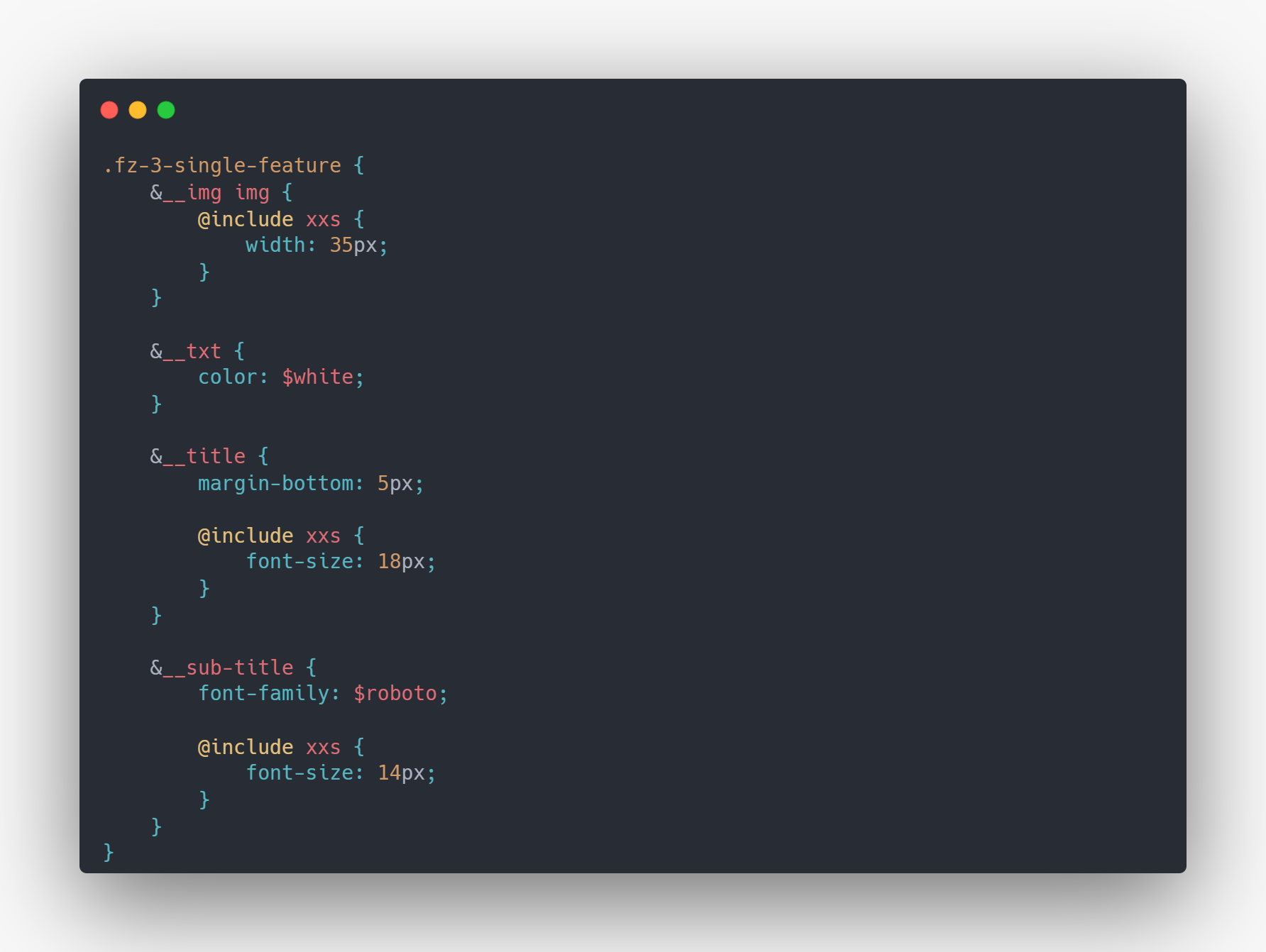
In the style folder there are css and scss for the template.
The rest of the files are .gitignore, jsconfig.json, next.config.js, package-lock.json,
package.json and readme file.

To deploy Farzaa to Vercel
You'll typically need to follow these general steps:
1. Create a Vercel Account:
If you don't have a Vercel account, you'll need to create one at https://vercel.com/signup.
2. If yoy have a github account push the main file in a repository and link the github to your
vercel account.
3. Navigate to Vercel overview:
Click add new. Select project and if you have your github link you will see the repositories,
select the repository of Farzaa.
4. After importing the repository you will be redirected to deployment page here you can change
the project name and many other.
5. After selecting a name for the project just click on deploy button. It will take some time
and after it will be live and a url will be given which can modified later on.
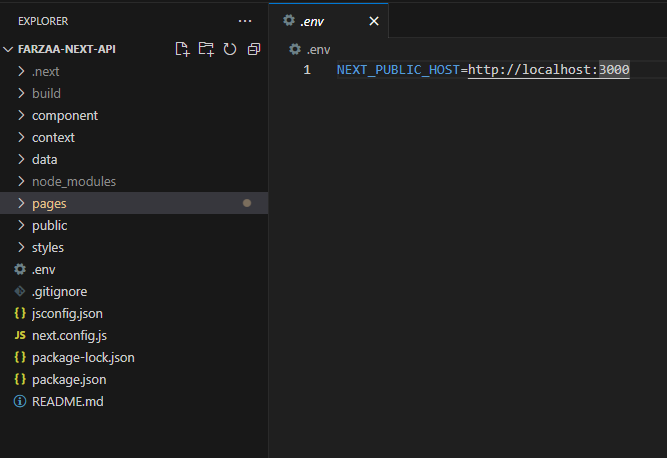
6. It will fail the deploy the first attempt as environment variable is needed to fetch the data
from the epi. Go to the project settings of the project in vercel and copy the domain of the
hosted url in the domain section.
7. Go to Environment Variables section in the project settings and add variable client key
"NEXT_PUBLIC_HOST" and the value will be the url of the hosted domain.
8. Go back to your project in a code editor and update the project url in next.config.js to
access the assets in production.
9. After doing these steps update the project in the github and it will trigger redeploy for the
project and it will be available live.
10. If you are importing from github continous deployment is supported in Vercel. If you update
the code in github it will auto update the live site.
For more deployment instruction you can follow this Linkof official document.
Steps to install and start in local server
1. Unzip the "mainFile" and you can open commad prompt in the mainFile and use command "npm
install" to install node modules.
2. After installing node modules you can type the command "npm run dev" to open the web app
in local server.
Components Structure
CSS Structure
SCSS Structure
Context API
API
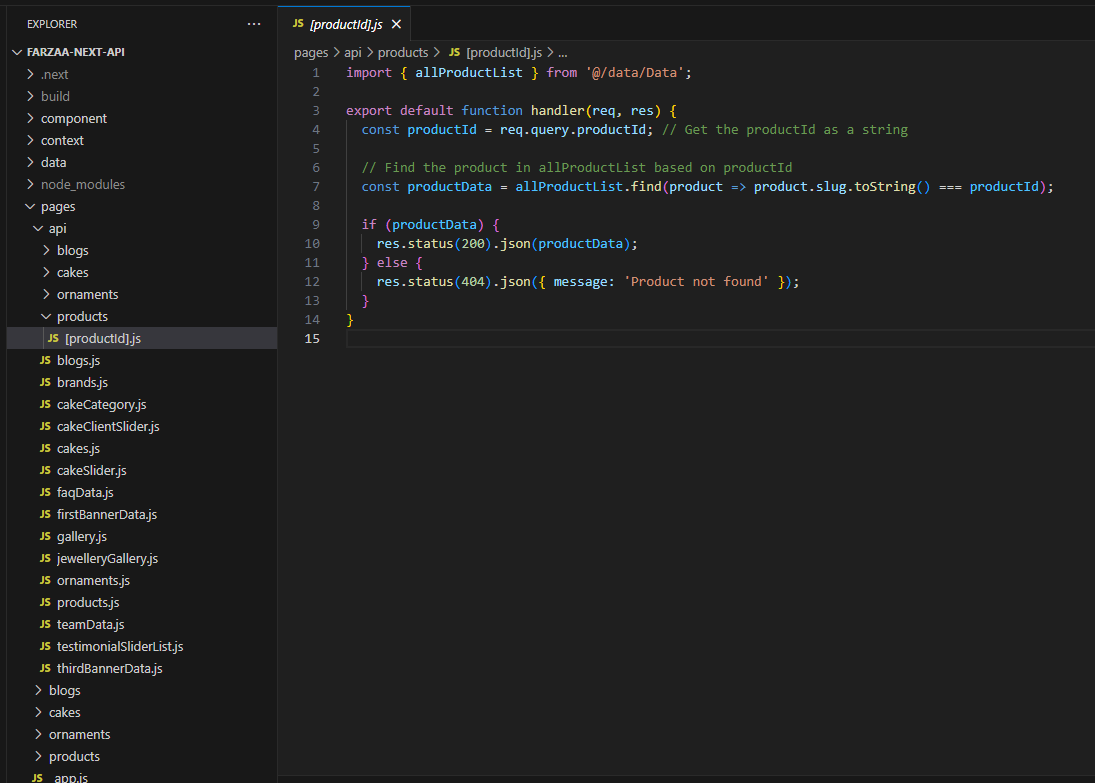
Pages Structure
Environment Variables
The .env file contains NEXT_PUBLIC_HOST variable for local it is setup for the port it was running on.
Sources & Credits
- Fonts
- Poppins
- Roboto
- Kanit
- Soligant
- Playfair Display
- Tenor Sans
- Futura PT
- Icon
- FontAwesome
- CSS Framework
- Bootstrap
- React Bootstrap
- Material UI
- React Libraries
- React Slick
- React Toastify
- SASS
- Swiper JS
Supports
Thank you for reading the documentaion. If you still have any question or any problem, please contact with us. We will give you best support.
Code Basket